Process
How a verified account is built, audited and handed over
This page is deliberately detailed. If you are comparing suppliers, the differences that matter are not in the sales copy — they are in how the account was created, how the verification was passed, whether anyone re-checked it before delivery, and what happens to access afterwards. Here is exactly how we do all four.
Tell us what you need
Message us on WhatsApp or Telegram with the product, the region and the limit band you are targeting. One short conversation removes almost every post-purchase surprise.
We match from live inventory
We check what is genuinely available, re-audit the account state, and confirm the verification level in writing before you send anything.
Verification proof review
You see the dated verification archive — document pass, biometric pass, standing report — so you know exactly what you are buying.
Handover and lockdown
Credentials, recovery mailbox and 2FA seed are transferred, then we guide you through rotating every security setting so ownership is fully yours.
Stage one — the build
An account begins on a residential connection with a stable device fingerprint, because inconsistency at creation is the single most common reason verification later reverses. We do not rotate through datacentre proxies or recycle devices between accounts. The signup details are coherent: the name, the region, the phone prefix and the eventual document all agree with each other, which is what an automated risk model is really measuring.
From there the account is left alone. It logs in at ordinary hours, performs ordinary actions and builds a history that reads like a person rather than a script. This waiting period is why we cannot deliver a brand-new custom build in an hour — the ageing is the product.
Stage two — verification
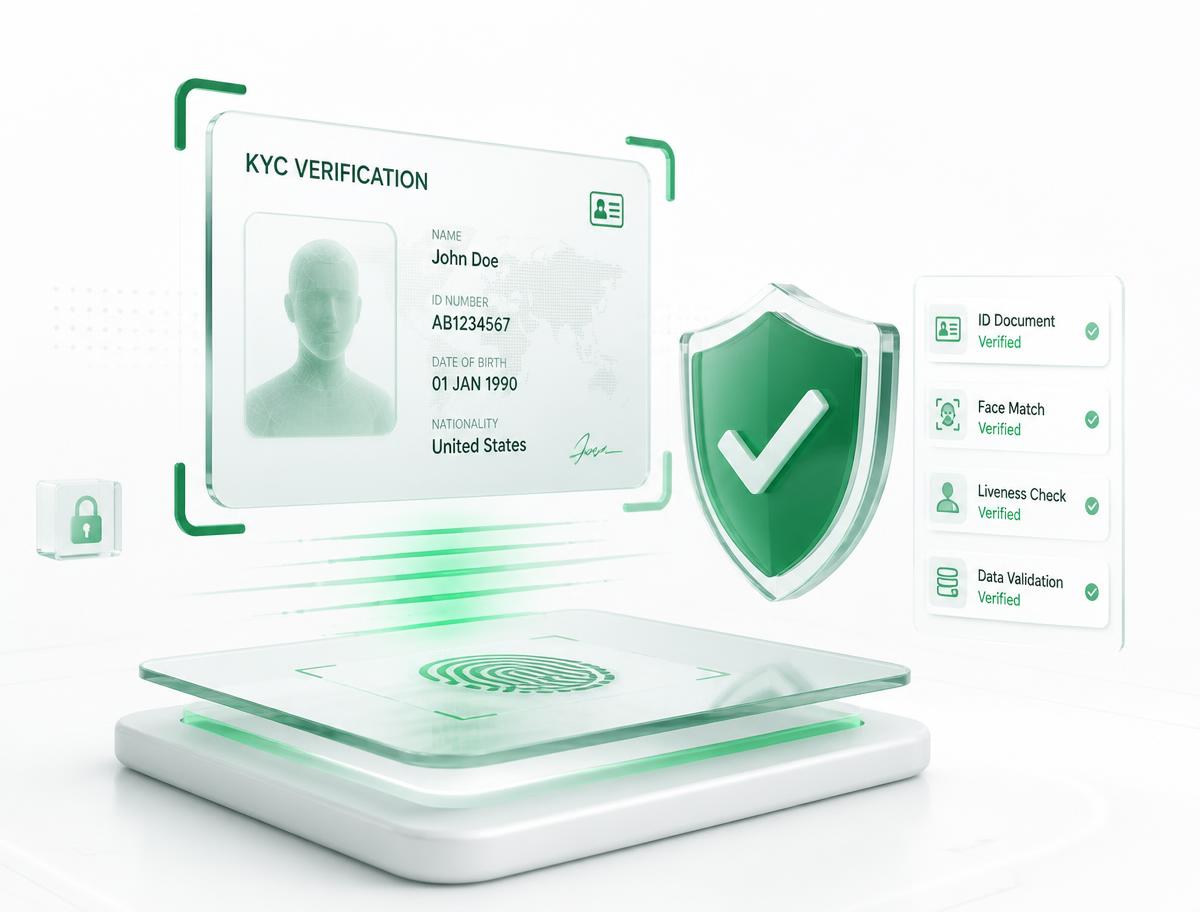
Document review comes first. A clear, unedited identity document is submitted and reviewed against the account details. Once that clears, biometric face match and liveness capture follow, which is where most low-quality inventory in this market fails: a static photo passes a document check but collapses under a liveness prompt weeks later.
Address confirmation and, where the tier requires it, funding source verification complete the picture. Each step is captured with a timestamp, and those captures become the verification archive you review before payment.
Stage three — the audit
Verification state is not permanent. Platforms re-score accounts continuously, so a badge that settled three weeks ago can be flagged again without any action from the owner. That is why we re-audit every account on the day of delivery rather than trusting the state recorded at build time.
The audit checks current standing, active restrictions, limit bands, session history and connected applications. If anything is off, the account goes back into review and we tell you before quoting a delivery time — even when it costs us the sale.
Stage four — handover and lockdown
Handover transfers the login pair, the recovery mailbox with real access, and the 2FA seed or backup codes. Business accounts additionally transfer the admin seat and the registry document pack.
Then we walk you through the lockdown: rotate the password, replace the recovery routes with your own, revoke every active session, review connected applications and re-enrol 2FA on your device. It takes a few minutes and it is the step that converts a set of credentials into genuine ownership. We consider an order incomplete until you confirm the lockdown is done.
The warranty, in plain terms
The warranty exists to cover our mistakes, not market risk. If an account arrives already restricted, if a verification badge reverses on its own inside the window, or if the limit band does not match what we confirmed in writing, you get a replacement of equal or higher specification. There is no partial credit and no negotiation — we simply replace it.
What the warranty does not cover is predictable: scaling volume far beyond the warm-up guidance in the first days, sharing credentials across many locations at once, or using the account in a way the platform explicitly prohibits. Those actions trigger re-verification regardless of how well the account was built, which is why the warm-up playbook ships with every wallet and exchange order.
Warranty windows are seventy-two hours for exchange and wallet products, forty-eight hours for social accounts, and seven days of onboarding support for business KYB. Claims are made in the same chat you ordered in, so no ticket system stands between you and a replacement.
Questions about the process?
Ask anything before ordering — verification depth, region limits, warranty edge cases. A clear answer up front is cheaper for both of us than a replacement later.